
Saving InDesign file as Print Ready PDF
Choose File > Export.
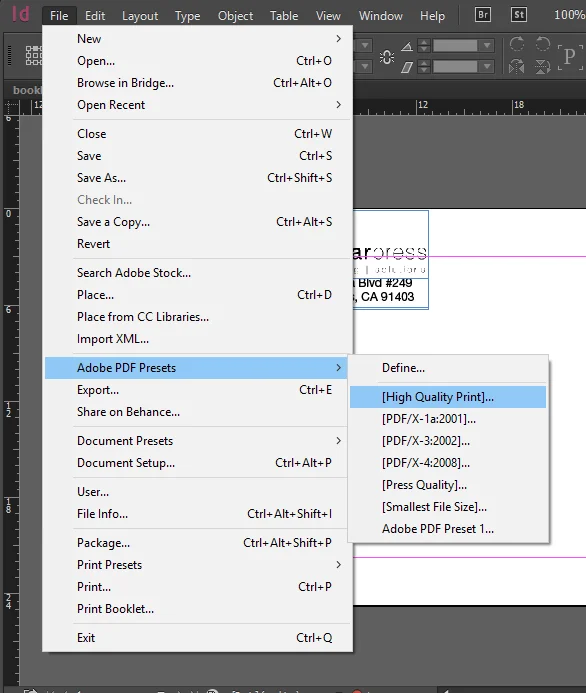
Specify a name and location for the file.

For Save As Type (Windows) or Format (Mac OS), choose Adobe PDF (Print), and then click Save.
When you select the Adobe PDF (Print) option, you cannot include interactive elements in the PDF.

To save with Marks and Bleed select Crop and Bleed Marks. Increase bleed to 0.125" on all sides.
Click Export (Windows) or Save (Mac OS).