

How to Optimize PDFs for Commercial Printing withAdobe Acrobat Pro
Sending a file to print isn’t as simple as attaching a PDF and hitting “send.” A PDF that looks great on your screen isn’t always ready for professional printing. Without the right color settings, font embedding, and image resolution, even well-designed PDFs can cause print issues.
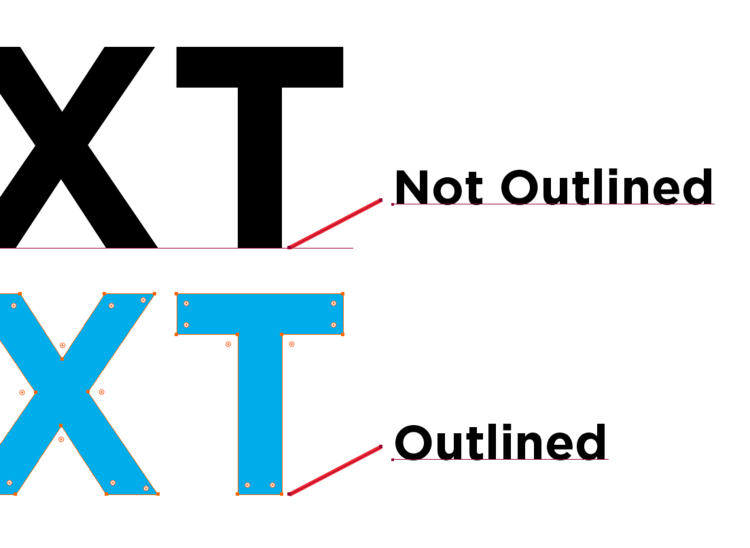
Converting a PDF to outline format in Acrobat
Open the PDF or EPS file in Acrobat.
Click Tools and click Pages.
Click Watermark and select Add Watermark.
The Add Watermark window opens